| .. | ||
| gltfskinning.cpp | ||
| gltfskinning.h | ||
| README.md | ||

glTF vertex skinning
Synopsis
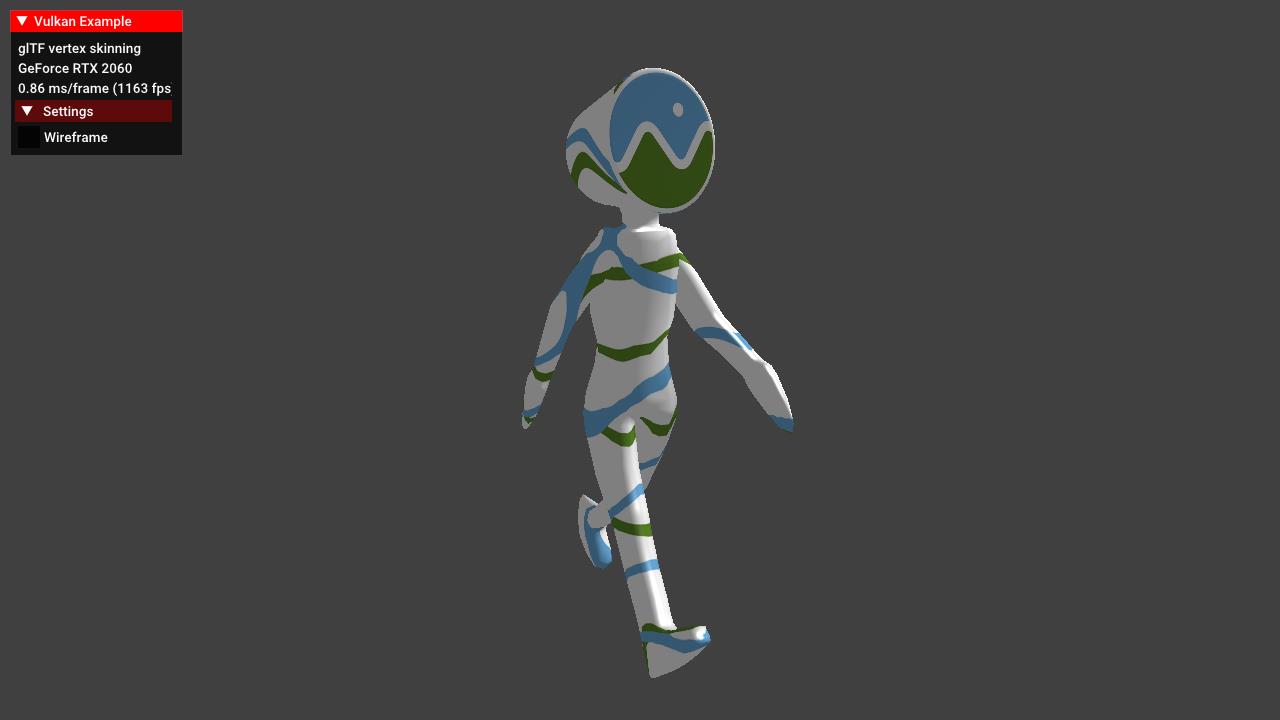
Renders an animated glTF model with vertex skinning. The sample is based on the glTF scene sample, and adds data structures, functions and shaders required to apply vertex skinning to a mesh.
Description
This example demonstrates how to load and use the data structures required for animating a mesh with vertex skinning.
Vertex skinning is a technique that uses per-vertex weights based on the current pose of a skeleton made up of bones.
Animations then are applied to those bones instead and during rendering the matrices of those bones along with the vertex weights are used to calculate the final vertex positions.
A good glTF skinning tutorial can be found here, so this readme only gives a coarse overview.
Points of interest
Data structures
Several new data structures are required for doing animations with vertex skinning. The official glTF spec has the details on those.
Node additions
struct Node {
  ...
  // Matrix components are stored separately as they are affected by animations
  glm::vec3 translation{};
  glm::vec3 scale{ 1.0f };
  glm::quat rotation{};
  // Index of the skin for this node
  int32_t skin = -1;
  // Gets the current local matrix based on translation, rotation and scale, which can all be affected by animations
  glm::mat4 getLocalMatrix();
};
The node now also stores the matrix components (translation, rotation ,scale) as they can be independently influenced.
The skin member is the index of the skin (see below) that is applied to this node.
A new function called getLocalMatrix is introduced that calculates the local matrix from the initial one and the current components.
Vertex additions
struct Vertex {
  ...
  glm::vec4 jointIndices;
  glm::vec4 jointWeights;
};
To calculate the final matrix to be applied to the vertex we now pass the indices of the joints (see below) and the weights of those, which determines how strongly this vertex is influenced by the joint. glTF support at max. four indices and weights per joint, so we pass them as four-component vectors.
@todo: Show loading of data? separate chapter?
Skin
struct Skin {
  std::string name;
  Node* skeletonRoot = nullptr;
  std::vector<glm::mat4> inverseBindMatrices;
  std::vector<Node*> joints;
  // The join matrices for this skin are stored in an shader storage buffer
  std::vector<glm::mat4> jointMatrices;
  vks::Buffer ssbo;
  VkDescriptorSet descriptorSet;
};
@todo: text
Animations
glTF spec chapter on animations
Animation sampler
struct AnimationSampler {
  std::string interpolation;
  std::vector<float> inputs;
  std::vector<glm::vec4> outputsVec4;
};
The animation sampler contains the key frame data read from a buffer using an accessor (@todo: document loading) and the way the key frame is interpolated. This can be LINEAR, which is just a simple linear interpolation over time, STEP, which remains constant until the next key frame is reached, and CUBICSPLINE which uses a cubic spline with tangents for calculating the interpolated key frames. This is a bit more complex and separately documented in this glTF spec chapter.
Animation channel
struct AnimationChannel {
  std::string path;
  Node* node;
  uint32_t samplerIndex;
};
The animation channel connects the node with a key frame specified by an animation sampler with the path member specifying the node property to animate, which is either translation, rotation, scale or weights. The latter one refers to morph targets and not vertex weights (for skinning) and is not used in this sample.
Animation
struct Animation {
  std::string name;
  std::vector<AnimationSampler> samplers;
  std::vector<AnimationChannel> channels;
  float start = std::numeric_limits<float>::max();
  float end = std::numeric_limits<float>::min();
  float currentTime = 0.0f;
};
@todo: text